


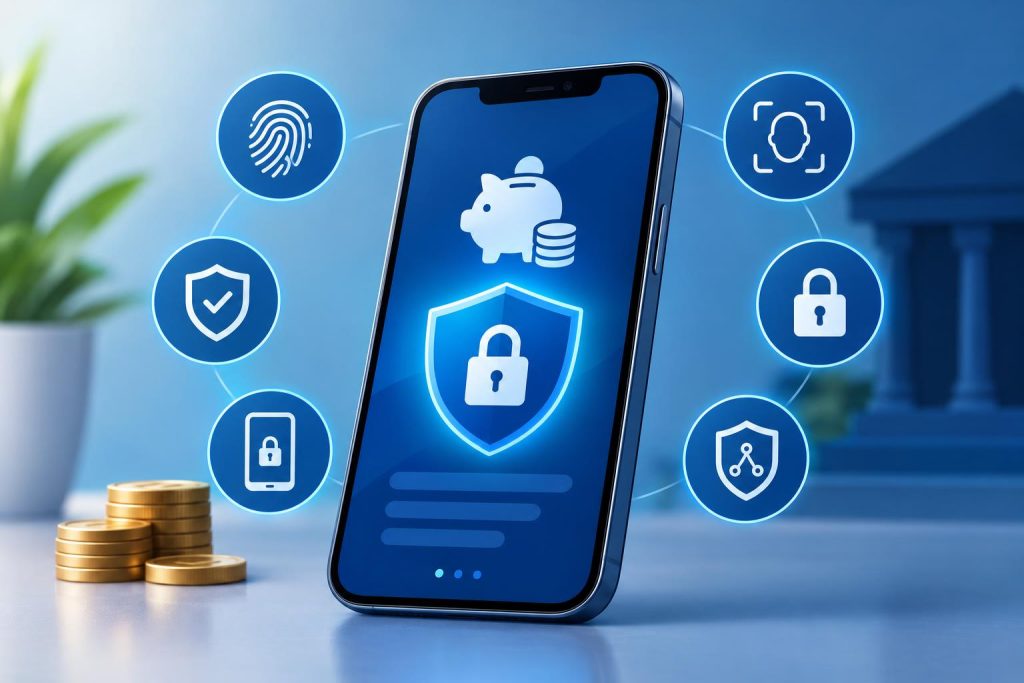
Fixed Deposits (FDs) are commonly opened through mobile applications. Many of these provide various features for you to view the details of your FD, interest rates and account related information. However, it is important to look into the security features of the app. An FD mobile app may ask for personal details, contact information and financial data during registration and transactions. Knowing how the app protects this information can help you make a more informed decision. Here are some security features to look for before using an FD mobile app.
1. Secure Login and Authentication
A secure login process helps prevent unauthorised access to your FD account. Check whether the app uses suitable authentication methods to verify your identity. These may include password or PIN protection, OTP verification through your registered mobile number or email address, and biometric authentication such as fingerprint or facial recognition. Your selection will depend on which app and device you’re using. Ensure that you don’t share your login information or OTPs..
2. Data Encryption
Data encryption helps protect information when it is transmitted between your device and the app’s servers. It converts information into a format that cannot be easily understood without the required decryption key. Before using an FD mobile app, check whether it uses secure communication protocols, such as HTTPS, to protect data exchanged through the platform. You can also review the app’s privacy policy to understand how your personal and financial information is collected, stored and used.
3. Multi-Factor Authentication
Multi-Factor Authentication is when you’re asked to provide multiple forms of identification. For example, you might be asked to enter your password and OTP to access certain features. This ensures that even if someone has access to one form of your login information they still won’t have access to your account. Check that the FD app requires extra verification for any sensitive processes.
4. Transaction Alerts
Transaction alerts can help keep you aware of any activity occurring within your FD. Depending on the app, you’ll receive alerts via SMS, email or in-app notifications. These could be for your FD being successfully booked, deposit confirmation, interest added and maturity updates. Some apps will also notify you of any changes made to your account details. Ensure that your mobile number and email address are up-to-date.
5. Privacy Policy and Data Permissions
A fixed deposit app may request access to certain information or device features. Before granting permissions, check whether they are relevant to the services you intend to use. Read the privacy policy to understand what personal information the app collects, why it is required, whether it is shared with third parties and how long it is retained. You should also check how you can raise a request regarding your personal data. Be cautious if an app asks for permissions that do not appear necessary for its stated purpose.
6. Regulatory Information and App Authenticity
Ensure that you are opening your FD with the correct institution. Ensure that you can see the name of the company, official website and regulation information. Check this with the official sources. Also, ensure that you download the app from official app stores. Check that you can see the name of the developer. Review the terms of the FD to see what the interest rate, term of deposit, early withdrawal terms and maturity requirements. This includes interest rates, term length, premature withdrawal and maturity guidelines.
7. Regular App Updates and Security Support
Apps are regularly updated to provide security improvements, bug fixes and updates to current features. If you don’t update your app you could be vulnerable to bug fixes that have been resolved. Check the official app store for the FD app to ensure that it is regularly updated. It’s also useful to know how to contact customer service if you notice any suspicious activity.
Tips to Keep Your FD Account Secure
Apart from checking the app’s security features, follow a few basic practices while using it:
- Download the app only from official app stores or the institution’s website.
- Use a strong, unique password and avoid sharing it.
- Never disclose your OTP, PIN or banking credentials to anyone.
- Avoid accessing your FD account through public Wi-Fi networks.
- Log out after using the app, particularly on shared devices.
- Keep your phone’s operating system and the FD app updated.
- Contact the institution through its official channels if you notice an unfamiliar transaction or login attempt.
Conclusion
Security is an important factor when choosing an FD mobile app. Check its login methods, data protection practices, transaction alerts, privacy policy and the credentials of the institution accepting the deposit. If you are exploring fixed deposit options through digital platforms, you can visit Jio Finance to learn about the FD options available on its platform and review their details before making a decision. It is also important to follow safe digital banking practices and review the FD terms before investing.
fd mobile app
https://play.google.com/store/apps/details?id=in.jfs.jiofinance
fixed deposit app
https://play.google.com/store/apps/details?id=in.jfs.jiofinance